okbijoy Deposit GuideGet your balance topped up in one try, on the first attempt
This page has one job: moving money from your bKash, Nagad, Rocket, Upay or bank account into your okbijoy balance without opening a support chat. Below you will find the amount to send, the option to pick inside each app, how long a credit normally takes, and the fixes that work when a transfer stalls halfway.
What you need before the first taka leaves your wallet
Three things decide whether a deposit lands cleanly: the wallet belongs to you, the amount is at least ৳250, and the transaction ID reaches the cashier before you close the app. Miss any one of those and your money usually still arrives, but it lands in a manual check instead of an instant credit.
A screenshot of an old transfer is the most common reason a deposit gets rejected, because that exact ID has already been used once. Send from the app on the phone in your hand, and copy the ID from the confirmation message you just received.
| Item | What to expect |
|---|---|
| Smallest deposit accepted | ৳250 |
| Usual time to credit | about 3 minutes |
| Smallest withdrawal | ৳400 |
| Usual payout time | about 15 minutes |
| First-ever withdrawal | up to 6 hours while the account is reviewed |
| Turnover on a claimed bonus | 16 times |
| Support while a transfer is pending | 24/7 Live Chat |
Wagering is the number players forget when they size a deposit. It is 16 times, and it applies to a bonus balance you claim, so read the amount before you confirm, not after.
Which wallet fits the way you already move money?
Every listed route credits in roughly three minutes and pays out in roughly fifteen. What changes is practical: how much float your wallet usually holds, whether the number is registered in your own name, and what your data pack allows at eleven at night on a cricket match.
- bKash Depositabout 3 min Withdrawalabout 15 min Minimum৳250
- Nagad Depositabout 3 min Withdrawalabout 15 min Minimum৳250
- Rocket Depositabout 3 min Withdrawalabout 15 min Minimum৳250
- Upay Depositabout 3 min Withdrawalabout 15 min Minimum৳250
- Bank Transfer Depositabout 3 min Withdrawalabout 15 min Minimum৳250
Withdrawals follow the same route you deposited with in most cases, so pick a wallet you can also receive on. An account you cannot cash out to is not much use after a good night.
Four moves behind every deposit that goes through
The flow is the same across all five routes. Once you know it, a deposit takes less time than brewing tea.
-
Open the cashier, not the chat
Log in, tap Deposit, choose BDT, and read the account number and exact amount shown on that screen.
-
Send from a wallet in your name
Use Send Money to the number on screen. A wallet belonging to a friend passes the deposit and fails at withdrawal.
-
Copy the ID, never retype it
The transaction ID sits in your wallet SMS or in the app history. Paste it into the box, character for character.
-
Confirm, then watch the balance
The screen shows a pending state and credits in about three minutes. Still pending after ten? Live Chat with the ID.
bKash, Nagad, Rocket or Upay: where they actually differ
All four wallets use the same idea, but each app hides the transaction ID somewhere slightly different. Here is what to look for.
bKash
bKash is what most players reach for, and it also has the tightest daily ceiling of the four. If you are moving a larger amount, split it over two days or switch to Nagad rather than pushing one heavy transfer. Choose Send Money, not Payment: Payment asks for a merchant number that the cashier does not use, and that mistake is hard to unwind. Keep the SMS until your balance moves.
Nagad
Nagad runs the same flow with one extra tap, because the transaction ID often sits behind a details arrow rather than on the first screen. Copy it from there instead of typing from memory. A recently opened Nagad account sometimes carries a lower send limit for its first few days, so a small ৳250 test is a sensible way to confirm everything works before a bonus-sized amount.
Rocket
Rocket account numbers are longer than the others and end with a check digit, which means a single wrong digit can still look like a valid number. Paste the number from the cashier screen instead of retyping it. Rocket is genuinely useful when your bKash limit is already spent, because the two ceilings are counted separately by the two companies.
Upay
Upay is the quiet option, and often the quicker one on a cricket night when the big wallets are congested. The app stores a receipt under Transaction History, so you can recover the ID later if your SMS gets buried under other messages. New accounts should send ৳250 first to confirm the chain works, then follow with the amount you actually want to play.
Bank Transfer
Bank transfer suits players moving more than a mobile wallet allows in a day. The three-minute window is a wallet figure; a bank send depends on your branch cut-off, so a Friday afternoon transfer is realistically next-morning money. Add the reference the cashier gives you, or the credit has to be matched by hand from a statement, which is slower for everyone.
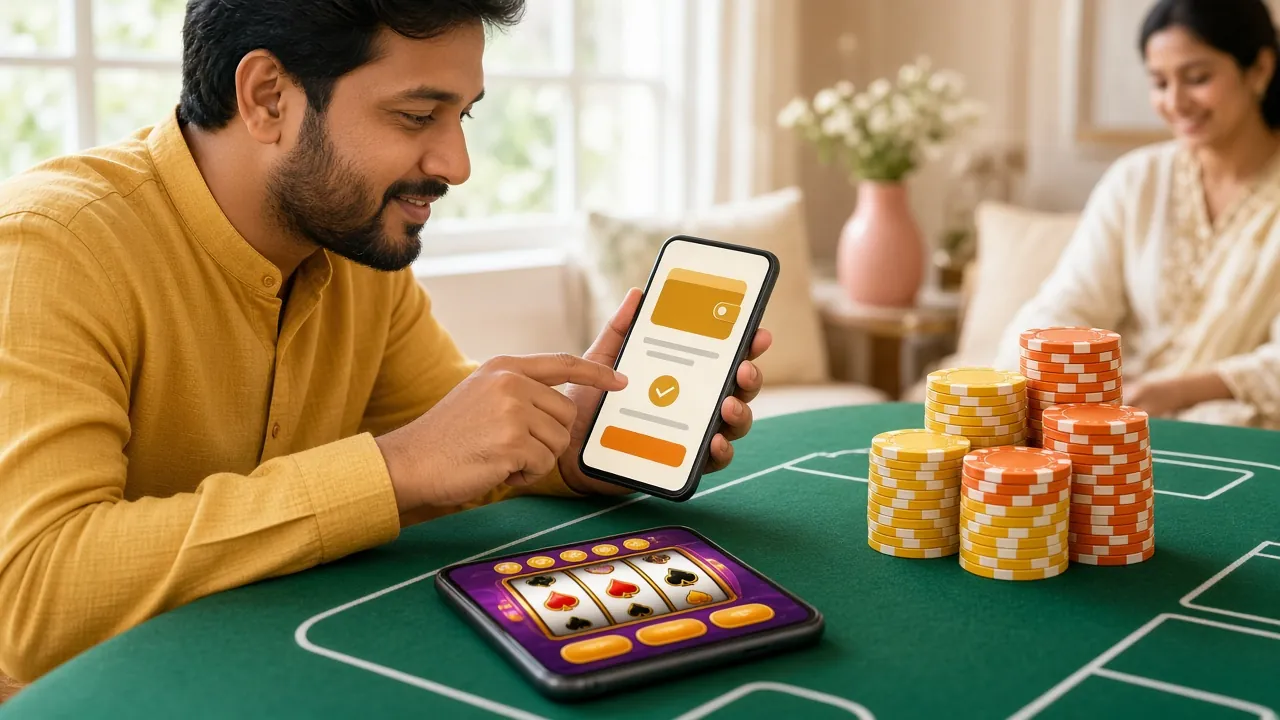
Reading the cashier screen before you tap send
The deposit screen is the only place with the live account number and the exact amount. Old screenshots travel through messaging groups and get players into trouble, because the number in them may already be retired.
Check three things before you leave that screen: the wallet name matches the app you are about to open, the amount is ৳250 or more, and the reference field is empty and waiting for your ID. If you cannot see the submit box, you are on the wrong page.
When the confirmation SMS never arrives
Nine out of ten stalled deposits come down to one of five causes. Work down this list before you contact anyone, because the fix is usually something you can do in under a minute.
| What you see | Likely cause | What to do |
|---|---|---|
| Balance unchanged after ten minutes | The transaction ID was typed with a missing character | Reopen the deposit page and paste the ID straight from the SMS |
| "Invalid amount" on the form | Amount below ৳250, or a manually rounded figure | Send exactly the amount the cashier shows, not an approximate one |
| Money left the wallet, nothing credited | Sent to a saved contact instead of the cashier number | Open 24/7 Live Chat with the ID and a screenshot of the wallet receipt |
| Second deposit refused the same evening | Your wallet's own daily send limit is used up | Switch to Nagad or Upay for that day, or continue tomorrow |
| Deposit fine, bonus missing | The bonus was not selected before confirming | Ask support to attach it before you place any bets on that balance |
If none of the five fits, Live Chat is staffed around the clock. Have the amount, the wallet name and the transaction ID ready, and the check usually finishes inside one conversation.
Sizing a first deposit around the 130% bonus
The welcome offer adds 130% to your first deposit, capped at ৳12,000. It applies to what you actually send, so a ৳250 test earns ৳325, while a ৳9,300 send would sit close to the cap. Turnover is 16 times, and that is the number that decides whether the offer helps you or traps your balance.
Pick an amount you can turn over within a week without chasing losses. Players who push a whole month's budget through in one deposit usually end up grinding the turnover in a single late-night session, which is exactly when decisions get worse. Smaller, planned deposits keep the 9% reload offer useful afterwards too, and the 1% daily cashback softens a rough night. The ৳475 referral credit lands once a friend you invited completes a qualifying first deposit.
Read the bonus terms in your account before you claim, and note which balance the turnover is counted against.
Example: a ৳1,000 first deposit
| You send | ৳1,000 |
|---|---|
| 130% bonus added | ৳1,300 |
| Balance to play with | ৳2,300 |
| Turnover at 16 times | ৳36,800 |
The bonus stops at ৳12,000, so deposits above ৳9,300 add playing balance but no extra bonus.
Cash-out rules worth knowing before you deposit
Deposits are only half of the habit. Knowing the payout side now saves a frustrating evening later, and it also tells you which wallet to send from in the first place.
- ৳400 is the smallest withdrawal. Anything under that stays in your balance until you top it up to the minimum.
- Payouts usually land in about 15 minutes. Your first one can take up to 6 hours while the account is checked for the first time.
- ৳150,000 is the base daily withdrawal ceiling. Higher VIP tiers raise it in steps, from Plus at ৳250,000 up to Signature at ৳1,200,000 a day.
- Verification comes before your first payout, not before your deposit. Have a National ID card, passport or driving licence ready; the review is usually done within 24 hours.
- Support is open around the clock. 24/7 Live Chat handles a stuck transfer faster than any other channel.
What players ask while a transfer is still pending
Sending the first deposit
How long does an okbijoy deposit take to show up?
About three minutes from the moment you submit a correct transaction ID. If the wallet SMS arrives but your balance does not move within ten minutes, the ID is almost always the problem, so paste it again from the message rather than from memory.
What is the smallest amount I can send?
৳250 across bKash, Nagad, Rocket, Upay and bank transfer. Sending ৳100 to test the water will not credit, and it has to be refunded manually, which takes longer than simply sending the minimum once.
Can I use my brother's bKash account?
No. The wallet, the okbijoy account and the documents you verify with need to share one name. A deposit from another person's wallet usually credits fine, then blocks the payout later, and unwinding that takes far longer than opening your own wallet.
Do I have to send the exact amount shown?
Yes, send exactly what the cashier displays. Rounding to a neat figure makes the transfer harder to match against your account, and the credit then waits for a manual check instead of landing in three minutes.
Delays and failed transfers
My deposit says pending. Should I send it again?
Not yet. Give it ten minutes, then check the ID character by character. Sending a second transfer while the first is still pending is the fastest way to end up with two deposits and one bonus, and the duplicate has to be reversed by support.
I sent money twice by mistake. What happens now?
Open Live Chat with both transaction IDs. One deposit is credited to your balance and the other is returned to the wallet it came from. Keep both SMS messages until the refund shows in your bKash or Nagad statement.
Bonus and limits
Is the 130% bonus added automatically?
Only for a first deposit where the offer was selected before you confirmed. If it is missing afterwards, contact support before you place any bets on that money; attaching it later is straightforward, untangling it after turnover has started is not.
Can I deposit from the okbijoy app?
Yes, the cashier is the same one you see in the browser, version 3.8.4, a 58 MB download that runs on Android 8.0 and above. The wallet apps still have to be installed on the same phone for Send Money to work smoothly.
How much can I take out in a day after depositing?
৳150,000 a day at the base level, with the ceiling rising as your monthly turnover moves you up the VIP tiers. The limit applies to withdrawals, not deposits, so a large send does not change what you can cash out that evening.
Open an account and put ৳250 through it tonight
Everything above works from the moment your account exists. Register, verify your number, open the cashier, and send a small first deposit before you commit to a bonus-sized one. If anything looks off on the deposit screen, stop and ask in Live Chat rather than sending twice.
Betting involves real risk and no deposit is guaranteed to return a profit. Set a monthly limit before you send money, keep wallet PINs to yourself, and treat a bonus as extra play time rather than income. If betting has stopped being entertainment, step away and read our responsible gaming page. Play Responsibly.